
Connect Annuities Genius to your AI app
If you already use Claude or ChatGPT to draft client emails and prep for meetings, you can now bring your Annuities Genius book with you.
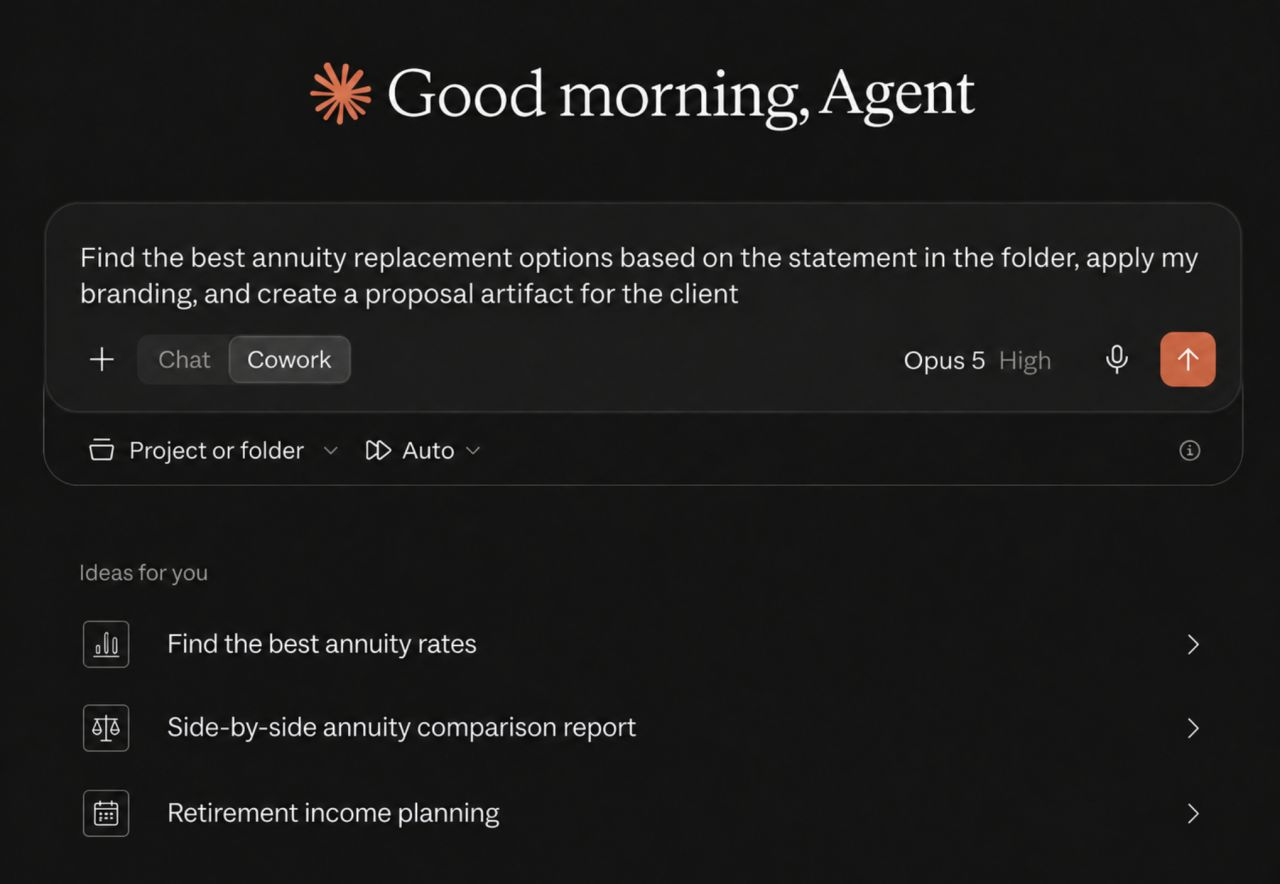
Link your Annuities Genius account to your AI assistant, and it can look things up for you:
What quotes do I have open for the Johnsons?"
"Run a MYGA comparison for a 65-year-old with $250k."
"Which carriers have the strongest income rider right now?
Same numbers you'd get in the app — you just don't have to stop what you're doing to go get them.
Setup: Go to Settings → Connected AI apps. Follow the four steps, approve the connection, and you're done. Nothing to install. If you'd rather not click through it yourself, there's a prompt you can paste into your AI app and it'll set itself up. Once connected, you can ask the assistant anything about how it works.
You stay in control. It can only read — never change a client record, never send an e-app, never see your password. Quotes and illustrations use credits just like they do in the app, and it tells you what each one cost. Every request is logged, and you can cut off access instantly whenever you want.