
Part 1 of 3
Build the proposal from your quote
Your AI writes the pages. The app adds your branding, the cover, the contents and a closing Sources & Important Information page.
-
1.
This uses the invented client from Create the client record. Do that part first. In a new chat, paste this. In ChatGPT Work, type @ and pick Annuities Genius first.
Using Annuities Genius: I'm an independent agent paid by commission, so skip fee-based (Advisory) products. Open the record for “Zinnia Quill (invented)”. If she is not there, stop and tell me. Run her joint lifetime income quote from her record, with income from 67. Build a proposal for her with the top option I can sell. Write to her as me, in plain words. Use only figures from the quote and her record. Then give me the link to open it in Annuities Genius.
Select the text and copy it.
Fee-based (Advisory) products may rank first. If one did, your AI should say it skipped it. For a real client, name the product you chose after the full profile, not the top quote.
-
2.
In ChatGPT, your AI says the proposal tools are missing?
Open Settings, then Plugins, then Annuities Genius, and click Refresh tools. Then start a new chat.
-
3.
Open the link. Read the whole proposal before your client does.
Every figure must come from a quote, an illustration or the client's record. The closing page does not replace the carrier's disclosures.
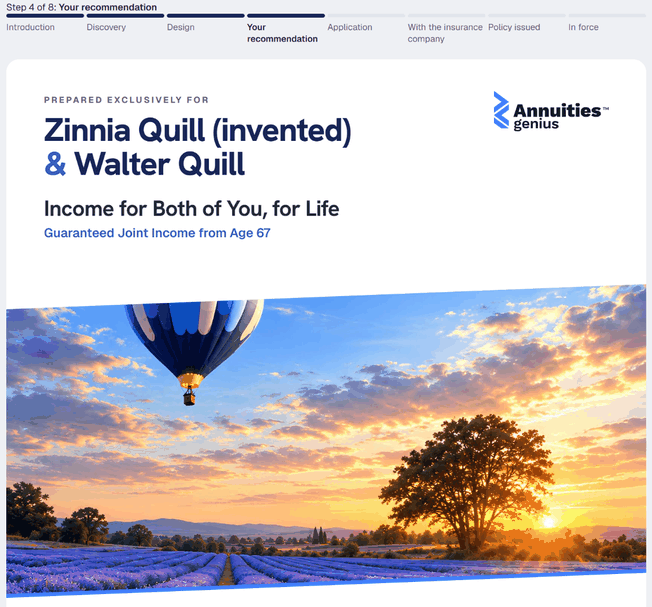 (opens full size in a new tab)
-
4.
Treat the proposal as an internal worksheet until your firm or carrier approves client use.
It shows Annuities Genius quotes and illustrations, not carrier illustrations. Use only what your firm and carrier allow.