
Lesson 2 of 14 · Part 3 of 5
Send your booking page
Set your hours once. Then send your booking page on the call, and after each phone objection: the client picks the time.
Do it in Genius
Meetings Availability Meeting types Your booking page
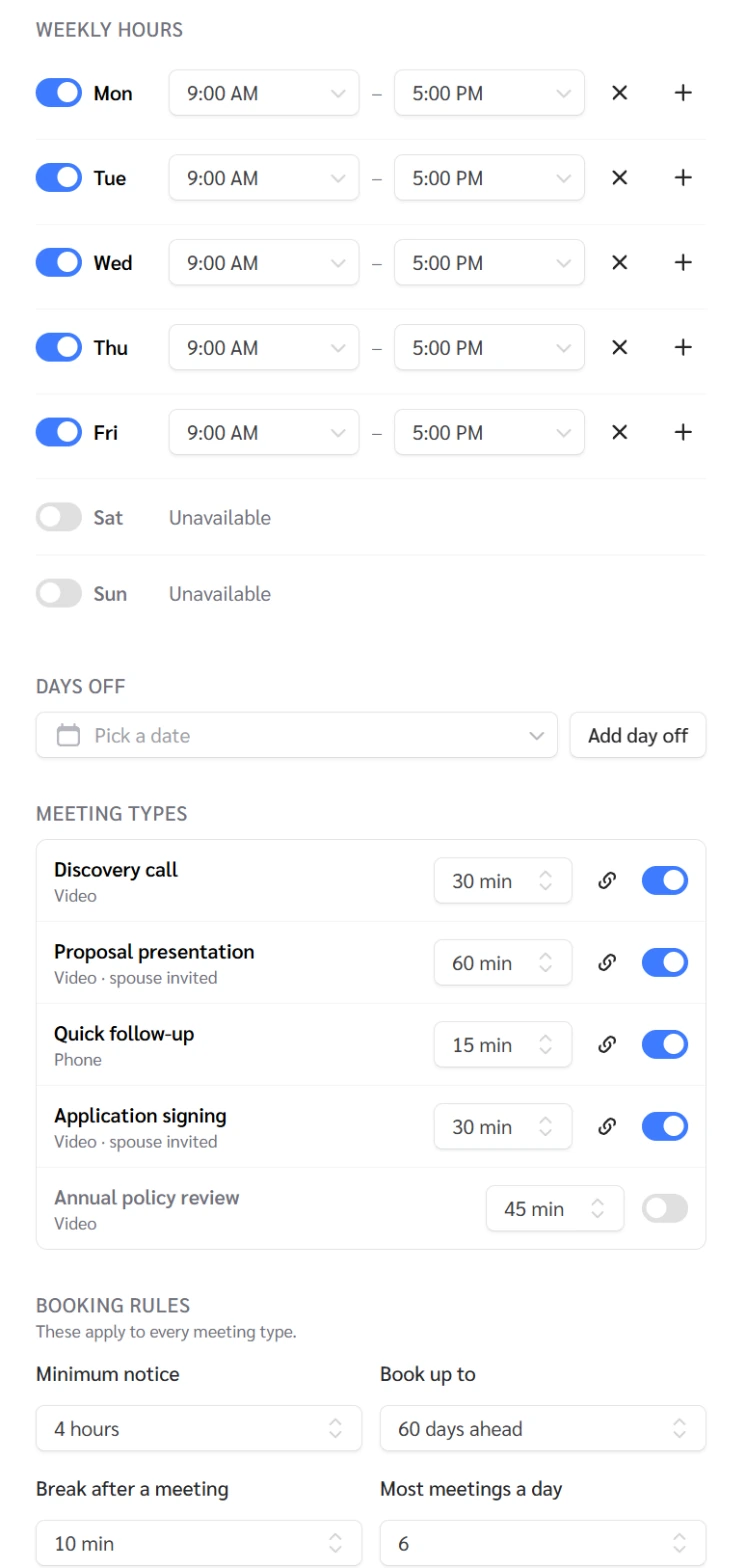
Practice Client, 3 Nov 2026: four meeting types are on. Discovery call is 30 minutes, Proposal presentation 60, Quick follow-up 15, Application signing 30.
Open Meetings in Genius (opens the app in a new tab)In the app: CRM → Meetings
 (opens full size in a new tab)
-
1.
On Meetings, click Availability and set your hours. Under Calendars, paste the iCal address, click Add calendar, so clients can't book over your plans.
- iCal address
- A private web address of your calendar. The app sees only when you are busy, never what the event is.
No calendar yet? A yellow note warns people can book over your plans. There are no reminder settings.
-
2.
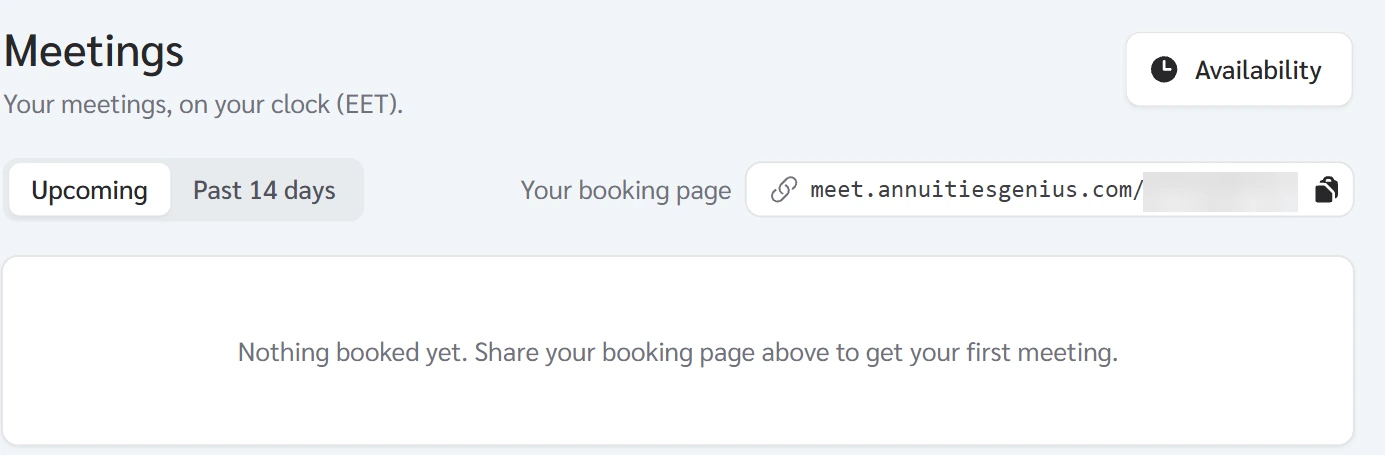
Copy Your booking page from Meetings and send it on the call. Ask the client to pick a time now, then look under Upcoming.
Asked to "send something"? Send this instead. The proposal comes after the first meeting.
 (opens full size in a new tab)
-
3.
"I have an advisor." Agree. Ask which money they handle, say you focus on insurance options, never criticize them, then send your booking page.
"I'm not ready": ask what loss, growth and access they can accept, then send the page.
-
4.
"I've heard bad things." Agree: some contracts do not suit some clients. Give them three questions for any seller, then send your page.
Any seller: What will it do for me? What does the contract promise? What do I give up?