
Lesson 16 of 16 · Page 2 of 3
GrantAI, the help button, or the Video Course?
GrantAI helps you work a client's case. The help button and Get Help answer questions about the app. The Video Course teaches the screens at your own pace.
Do it in Genius
Get Help Live chat
Practice Client, 10 Nov 2026: the profile menu, top right, lists Get Help right above Video Course.
Open Get Help in Genius (opens the app in a new tab)In the app: profile menu → Get Help
-
1.
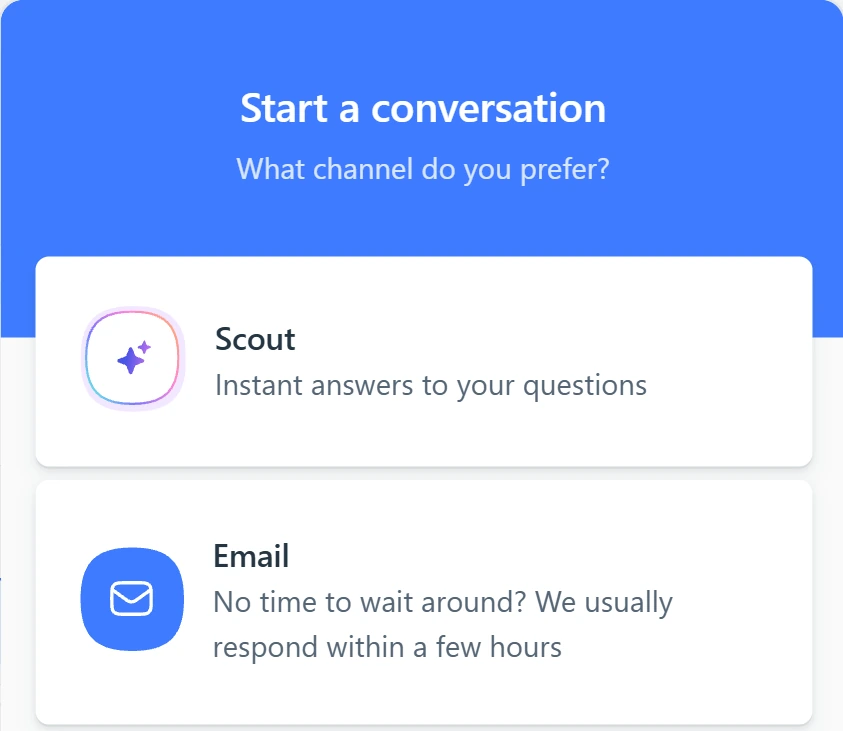
Click Need help? in the corner. AI Help Assistant gives quick answers, and Email Support reaches the support team.
A page won't load, or billing? Use this window. Get Help adds Live chat and Call us. Case questions: GrantAI.
 (opens full size in a new tab)
-
2.
Learn the screens at your own pace in the Video Course. Start with Getting Started, then AI Tools.
Then repeat each video on a practice client you create: 66, Texas, $150,000.
See also: