
Lesson 7 of 16 · Page 3 of 6
Confirm the facts before you show or send anything
The proposal stays closed until the facts are confirmed and on record. Confirm them at the meeting, or on a short call before it.
Do it in Genius
All cases your client pencil Update Client
Practice Client, 12 Nov 2026: the card shows 66, Texas, $150,000 IRA, income from 68 and the goal Generate Income.
Rates change every day, so yours will differ.
Open your clients in Genius (opens the app in a new tab)In the app: CRM → All cases
-
1.
Read their facts and goal back from the card, then the problem in their numbers. Ask: "Is that right?" Missing facts? Ask them now.
Example problem: $4,000 spending minus $1,900 Social Security is a $2,100 gap a month.
-
2.
Wrong fact? Click the pencil on the card, fix it, then Update Client.
In a test the card showed the new amount, but Preview still showed $150,000.
-
3.
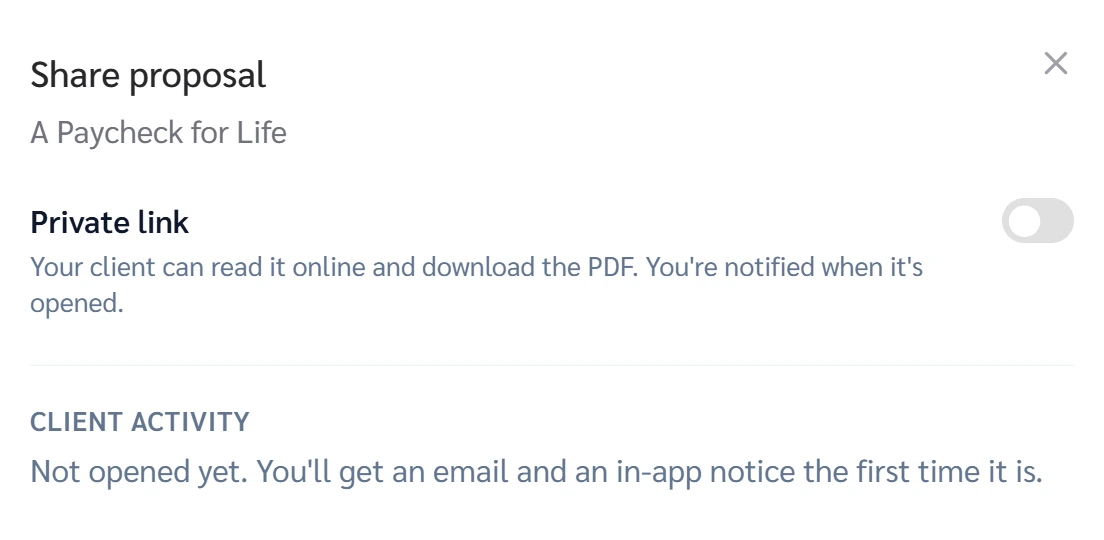
Asked to "just send something"? Offer a short call first. Still asked? Open the proposal card, Share, turn on Private link.
Client activity there says you get an email and an in-app notice the first time it is opened.
 (opens full size in a new tab)