
Lesson 9 of 14 · Part 4 of 4
End with a decision or a date, and ask "how much"
Ready to decide? Agree the amount. Not ready? Send your booking link for the next meeting before this one ends.
Do it in Genius
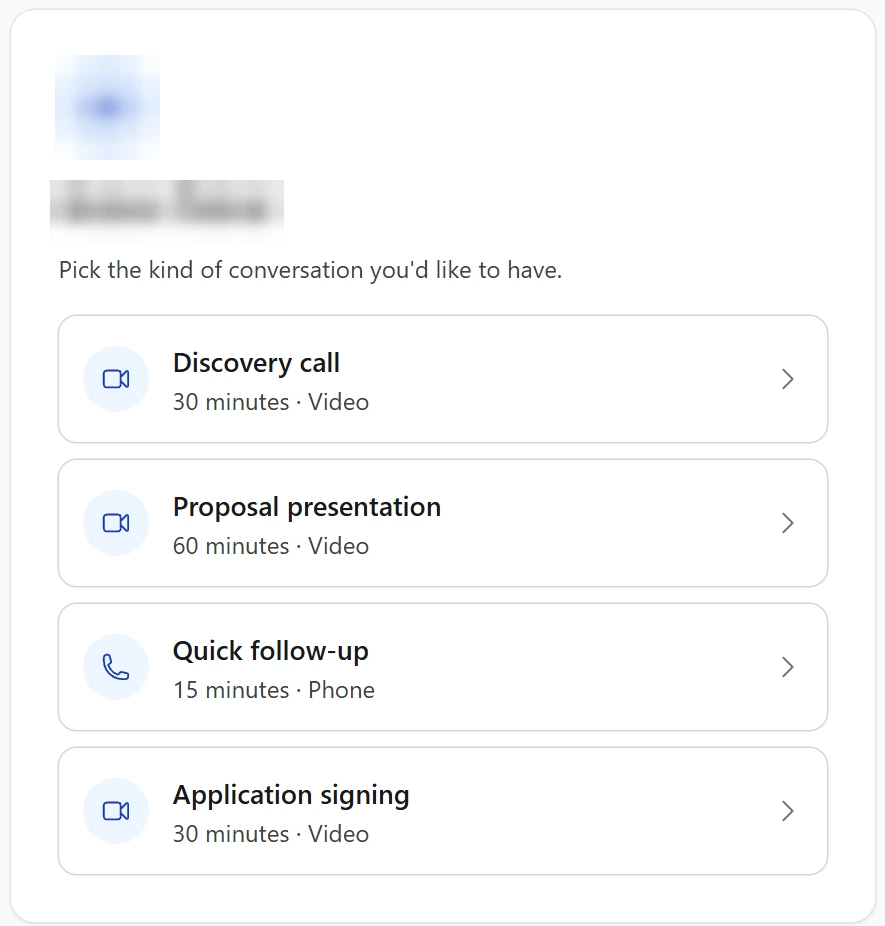
Meetings Availability Meeting types Application signing
Practice Client, 3 Nov 2026: Application signing takes 30 minutes by video. Your client picks the slot on your booking page.
Open Meetings in Genius (opens the app in a new tab)In the app: CRM → Meetings
 (opens full size in a new tab)
-
1.
Sum up in their words: what is fine, the gap, the worry. Then ask: "What is there left to think about?"
Find the gap in GrantAI: More, then Income gap planning. Practice Client example: $2,100 a month.
-
2.
Yes? Ask: "How much of the $150,000 should go to this?" Agree the least that solves the problem, with cash kept within reach.
Top row needs $239,089 for $2,100 a month (Solve for: Premium), more than $150,000. Say so, then cover part.
-
3.
Decided? Send the Suitability questionnaire with Share Link, then Start E-App. Or send your Application signing link: use the link icon in Meeting types.
A grey Start E-App has the hint "E-App for this product not available". Ask the insurer how to apply.
-
4.
Not ready? Offer two dates and send your booking link. The client picks a Quick follow-up or Proposal presentation slot.
In GrantAI, plan the follow-up: More, then Follow-up schedule. It writes text only: you send each message.