
Lesson 3 of 14 · Part 3 of 7
Test the risk in dollars
The need comes out of their own numbers. Ask, write it down, then set the same numbers in Simulator.
Do it in Genius
All cases your client Calculators Simulator Life expectancy
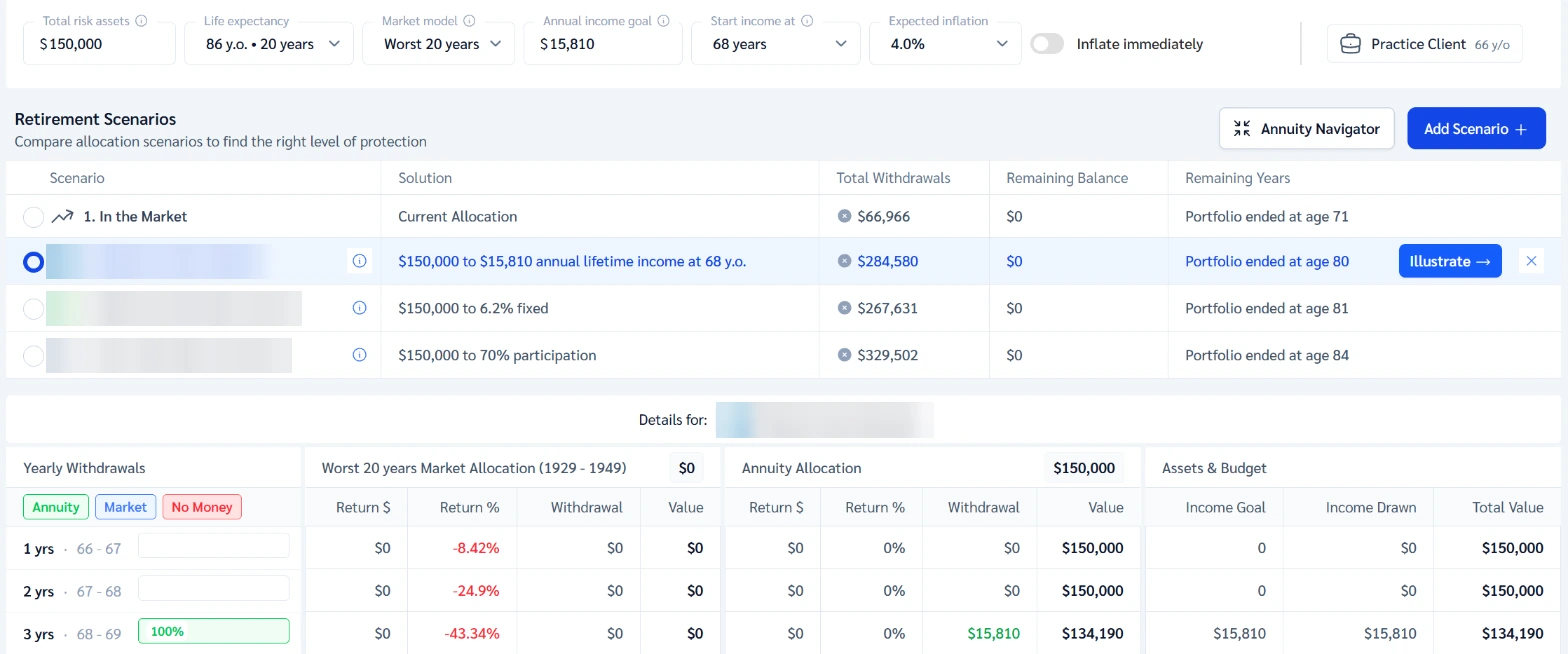
Practice Client, 3 Nov 2026: Simulator shows Life expectancy 86 y.o. and Start income at 68, with a stand-in Annual income goal of $15,810.
Rates change every day, so yours will differ.
Open your clients in Genius (opens the app in a new tab)In the app: CRM → All cases
 (opens full size in a new tab)
-
1.
Ask the most they could lose in a bad year, in dollars. Have them rank safety, access and growth. Save both with Save Note.
Ask how 2008 or 2022 felt, then ask for the number again. Risk tolerance in the questionnaire has four levels.
-
2.
Ask what the account should be worth in ten years and at the end of life. Ask what income they want, and from when.
Then compare that ten-year number with what a fixed rate pays: the link below shows one.
-
3.
Ask how long their parents lived and how long they expect to live. Save both in a note.
A short guess? Don't argue. Note it, then test a longer life in Simulator too.
-
4.
Open Calculators, then Simulator. Set Life expectancy, Annual income goal and Start income at from their answers.
Use the client's own income goal, never a product's payout. Life expectancy takes ages 71 to 100.