
Lesson 3 of 14 · Part 2 of 7
Collect every fact
Fill the gaps in one sitting. Missing facts are where the wrong product comes from.
Do it in Genius
All cases your client Qualify Suitability questionnaire Share Link
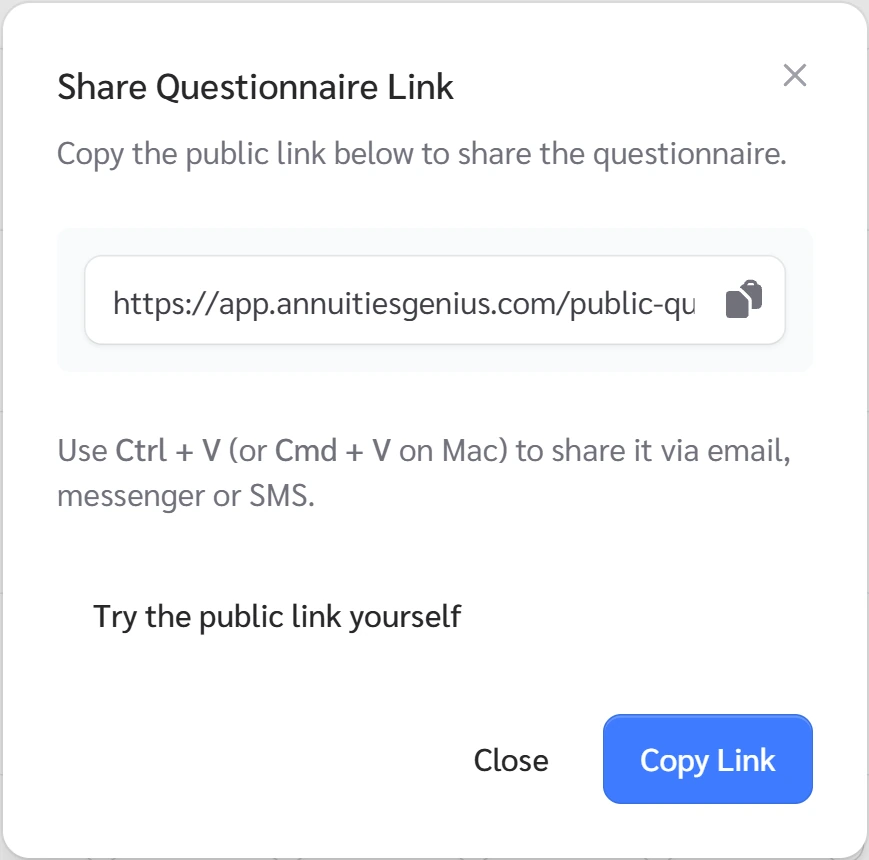
Practice Client, 3 Nov 2026: Update Client has no field for debts. The questionnaire asks about them, and Share Link gives you a link.
Open your clients in Genius (opens the app in a new tab)In the app: CRM → All cases
 (opens full size in a new tab)
-
1.
Ask about health and Medicare, then life and care cover. Then every account: type, balance, pre-tax or after-tax.
Add it up aloud: "Am I missing anything?"
-
2.
Ask about income, with the Social Security estimate and any pension offer. Then spending, debts, tax bracket and money they must keep within reach.
- Suitability
- Whether a product fits the client. Most states require you to act in their best interest and record why.
Suitability rules also need goals, experience, time horizon, risk tolerance, liquid net worth and the funding source.
-
3.
Put it in Genius. New client: open the link below and click Paste text. Existing client: click the pencil on their card.
Then set Funding Source, Premium Amount, Source Type. Debts and spending have no field: use Save Note.
-
4.
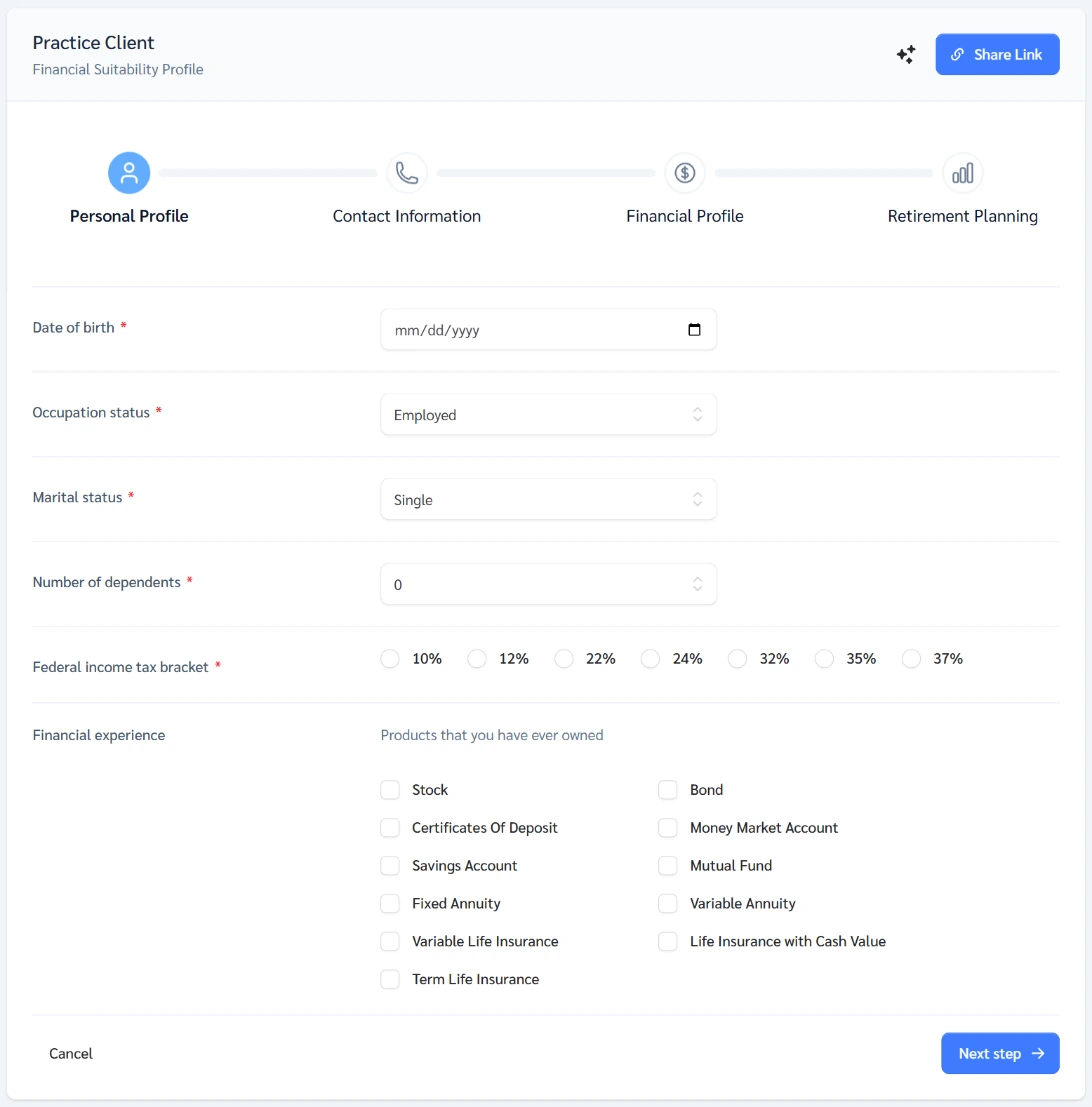
Open Qualify, then Suitability questionnaire. Fill it in with the client, or click Share Link. By email: GrantAI More, Client discovery, Email.
Required fields include tax bracket, net worth, living expenses, time horizon, funding source. Email brings a draft with the link.
 (opens full size in a new tab)
Sources
- Annuities Genius help: What to Gather From a Client
- Annuities Genius help: I Have a Client, What Next?
- Annuities Genius help: Create a Client Case
- NAIC Model 275: suitability in annuity transactions
- NAIC Model 672: privacy of consumer financial and health information
- NAIC Model 668: insurance data security
- Annuities Genius help: Platform Sections & Features
- Annuities Genius app, checked 3 Nov 2026